

Published on: September 24, 2020
While the concept might be familiar, efficiently loading thousands of Excel data into MySQL can be a significant hurdle. I've condensed my insights from extensive effort into a straightforward, four-step process. This guide highlights crucial considerations such as aligning column counts, order, and data types between your Excel sheet and your MySQL table structure to ensure a smooth import.
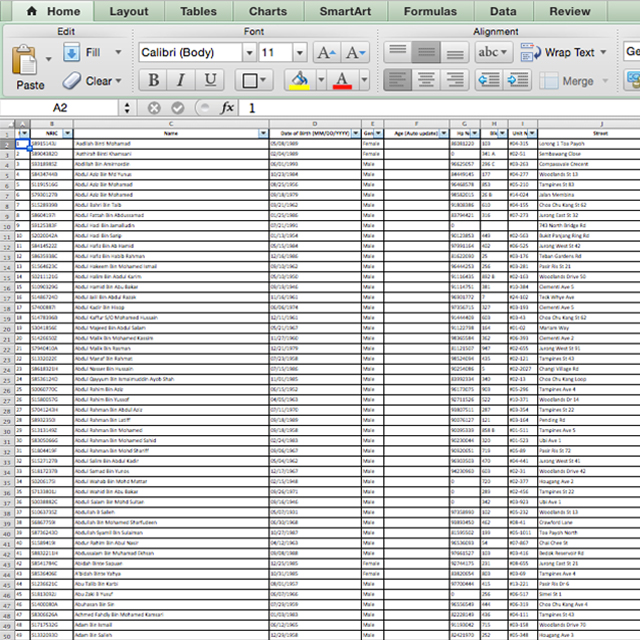
Thousands of Excel Data

MySQL Table structure
Step 1: Align Columns and Positions
Align your columns and their positions precisely with your MySQL table structure.
Step 2: Adjust Column Types
Adjust column types in your MySQL table structure, converting text-based representations (like letters) to appropriate numeric formats where necessary.
Step 3: Save as CSV
Save your Excel data as a Comma Separated Values (.csv) file.
Step 4: Import CSV to MySQL
Finally, import the prepared .csv file directly into your MySQL table to load thousands of Excel data into MySQL.
Related Posts

Importing MySQL Databases Using Solr DataImportHandler
Streamline MySQL database imports with Solr DataImportHandler! This guide covers setup, config, and execution for efficient data indexing.
Read More